Tuesday, September 24, 2019

Apple Releases iOS 13.1 With Share ETA, Expanded Audio Sharing, Shortcuts Automations and More

https://ift.tt/2Ibjnmv

Apple today released iOS and iPadOS 13.1, marking the first update to the iOS 13 operating system that launched in mid-September. The new iOS 13.1 update comes just days after the release of iOS 13 and coincides with the launch of new iPhones.

The iOS 13.1 update is available on all eligible devices over-the-air in the Settings app. To access the update, go to Settings > General > Software Update.
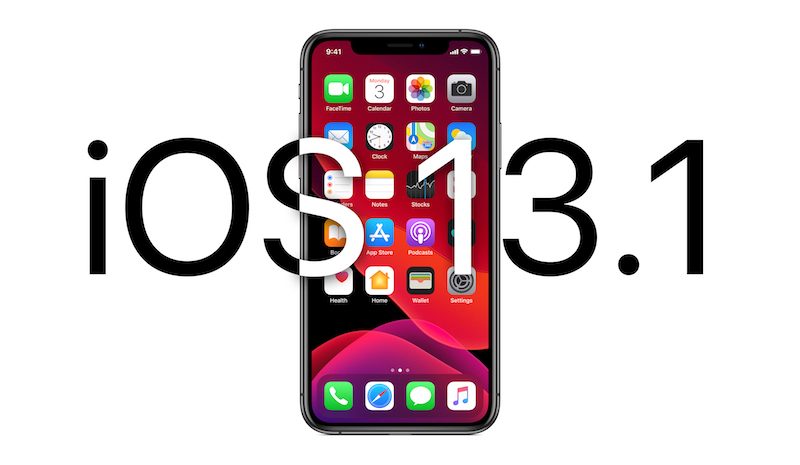

Apple started beta testing iOS 13.1 prior to when iOS 13 even launched, which was a surprise move as the company has never before released a point update for new software before when the software has come out.

Given Apple's early testing, it's no surprise that iOS 13.1 is coming not too long after iOS 13 became available for download. It's worth noting that iOS 13.1 is the first version of iOS 13 that's available for the 7th-generation iPod touch.

iOS 13.1 is an update that brings back several of the features that were removed during the iOS 13 beta testing. Shortcuts Automations, for example, are back.

With Automations in the Shortcuts app, you can create personal and home automations using the Shortcuts app to have certain actions performed when specific conditions occur. It's a powerful tool that adds a lot of utility to the Shortcuts app.
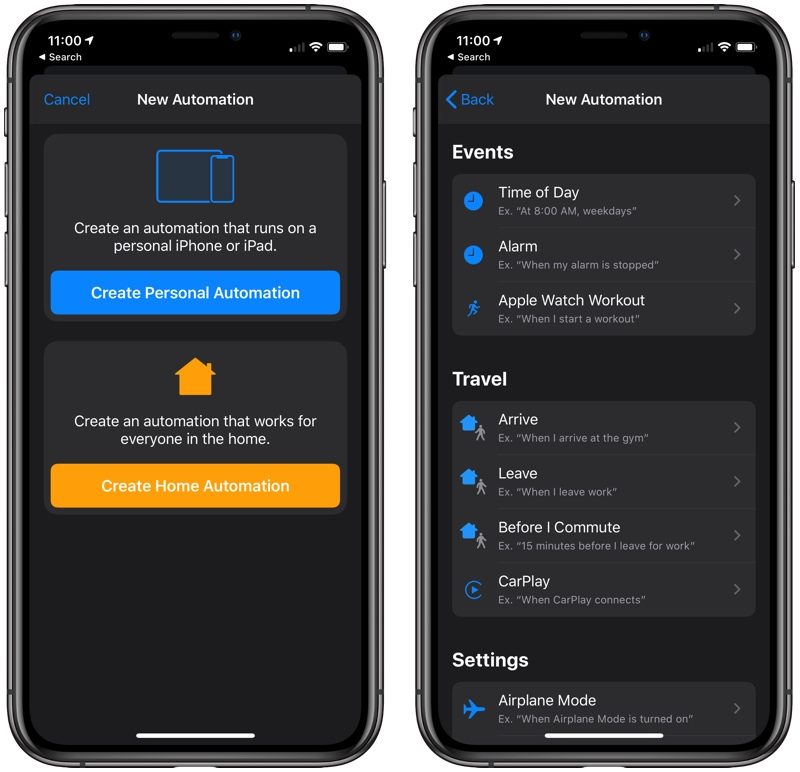

Share ETA, a feature removed during beta testing, lets users share their estimated time of arrival to a location with a friend or family member, allowing the friend or family member to follow along with the trip.


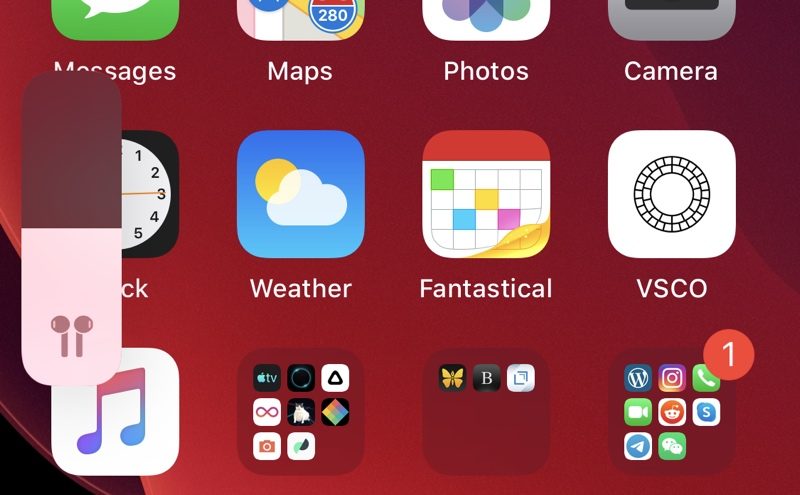
The volume indicator has been tweaked in iOS 13.1. If you have certain headphones or audio devices connected (AirPods, Powerbeats Pro, HomePod, and Beats headphones) there are special indicators that feature a unique icon that matches your listening device. There's also a special icon for when two headphones are connected to an iPhone or iPad.

The update brings the audio sharing feature introduced in iOS 13 to all Beats headphones with an H1 and W1 chip, expanding the feature from just the AirPods and Powerbeats Pro. Audio sharing, as the name suggests, allows multiple sets of headphones to be connected to a single iPhone.

HomeKit icons have been overhauled in iOS 13.1, with much more detailed, realistic designs. There are new Reading Goals options for PDF, a change to the Nike branding (it's no longer Nike+), and several other smaller tweaks outlined in our tidbits article.

Related Roundups: iOS 13, iPadOS

This article, "Apple Releases iOS 13.1 With Share ETA, Expanded Audio Sharing, Shortcuts Automations and More" first appeared on MacRumors.com

Discuss this article in our forums


from MacRumors: Mac News and Rumors - All Stories https://ift.tt/2lplRFU

Apple Releases iPadOS With New Home Screen, Multitasking Improvements, Apple Pencil Updates and More

https://ift.tt/2kTWHz1

Apple today released iPadOS, which is the version of iOS that runs on the iPad. The first version of iPadOS is iPadOS 13.1, with Apple opting not to release a version of iOS 13 for the iPad.

The iPadOS update is available on all eligible devices over-the-air in the Settings app. To access the update, go to Settings > General > Software Update.


With iOS 13, Apple split iOS and iPadOS into two different software updates, but iPadOS includes almost all of the features available in iOS 13 (and iOS 13.1) along with some capabilities built specifically for the larger display of the iPad.

That means that all of the features in our iOS 13 roundup are available in iPadOS, along with the iOS 13.1 updates like Shortcut Automations, Share ETA, audio sharing improvements, and more.

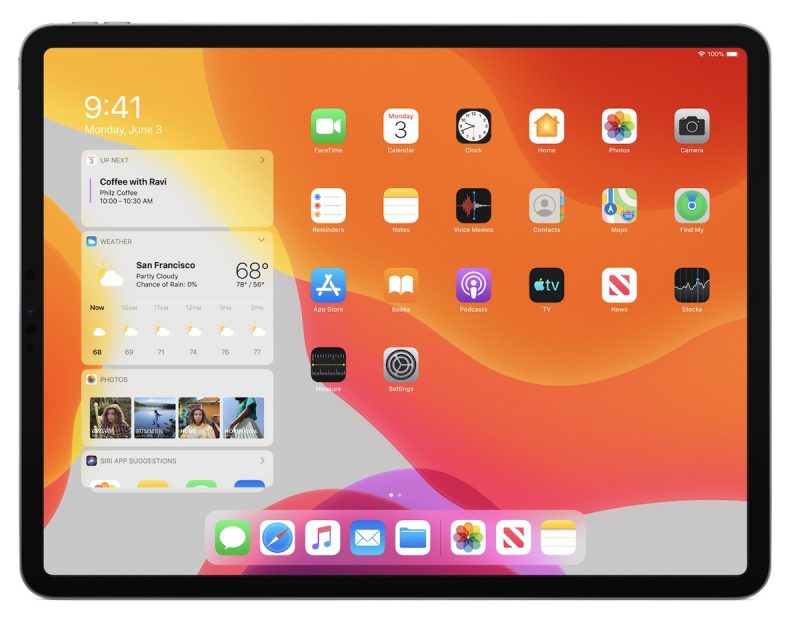
Specific to the iPad, iPadOS introduces a new Home screen that shrinks down the icon size so you can fit more apps on each page. There's also a new option to add the Today Widgets from the left side of the screen onto the Home screen itself for easier access.


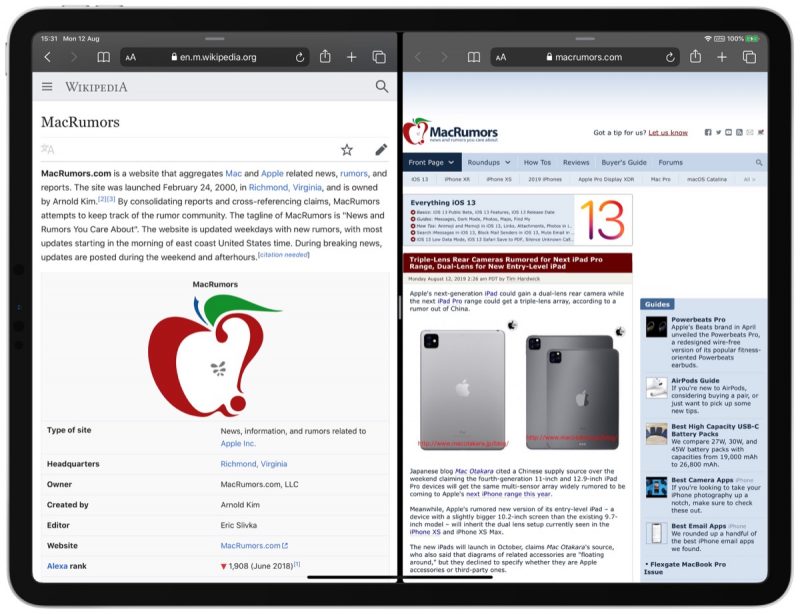
Split View and Slide Over, the iPad's multitasking features, now support multiple windows from the same app so you can do things like open two Safari windows side by side.


When using the Slide Over view, there's also a new option to view and switch between multiple apps with a card-style interface, plus a new App Exposé feature lets you view all of the open windows from a particular app and then swap between them with a tap.


Tapping on the iPad's display with Apple Pencil opens up Markup, which can be used for anything from webpages and documents to screenshots and emails. There's a redesigned tool palette for Markup that has quicker access to tools plus a new ruler option, an object eraser, and a pixel eraser.

Apple Pencil latency has been reduced, dropping it from 20ms on the iPad Pro to 9ms, and as on the iPhone, iPadOS now supports connecting external drives to the Files app for the first time.

There are more than 30 new keyboard shortcuts in iPadOS, and when using Safari on iPad, you'll always get the desktop version of a website instead of the mobile version.

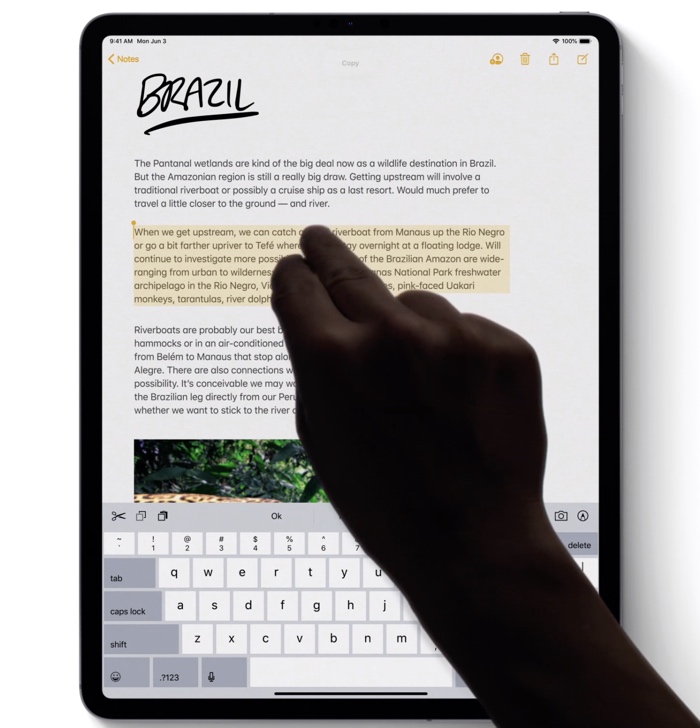
Safari has a new download manager, and the iPad supports all of the new text editing gestures available on the iPhone. A new swipe gesture lets you select text and there are new gestures for cut, copy, paste, and undo.


A floating keyboard that supports the new QuickPath swipe feature allows you to type one handed, and there's support for installing fonts across the system.

For more on all of the new features that are available in iPadOS, make sure to check out our iPadOS roundup.

Related Roundups: iOS 13, iPadOS

This article, "Apple Releases iPadOS With New Home Screen, Multitasking Improvements, Apple Pencil Updates and More" first appeared on MacRumors.com

Discuss this article in our forums


from MacRumors: Mac News and Rumors - All Stories https://ift.tt/2lo365y

Apple Releases tvOS 13 With Multi User Support, Control Center, Ocean Screensavers and More

https://ift.tt/2J5AHu0

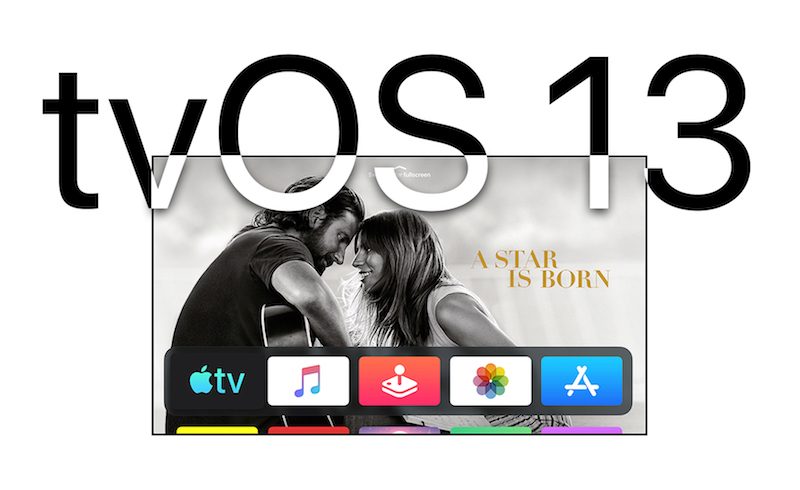
Apple today released tvOS 13, the latest operating system designed for the fourth and fifth-generation Apple TV models. tvOS 13 comes after several months of beta testing.

tvOS 13 can be downloaded over the air through the Settings app on the Apple TV by going to System -> Software Update. Apple TV owners who have automatic software updates turned on will be upgraded to tvOS 13 automatically. Apple has also released an 8.4.3 update for the third-generation Apple TV.


The tvOS 13 update brings an updated Home screen aimed at making it easier to discover new content. Apps are now able to play full-screen video previews on the Home screen, similar to Netflix, once developers have implemented support.

Multiple users are supported for the first time, letting more than one profile exist on the Apple TV so each family member can have their own customized Apple TV interface with separate recommendations, music playlists, and Watch Now lists.

Switching between profiles can be done with the new Control Center, which offers up profiles, the time and date, search, a Now Playing widget, AirPlay controls, and a sleep option.


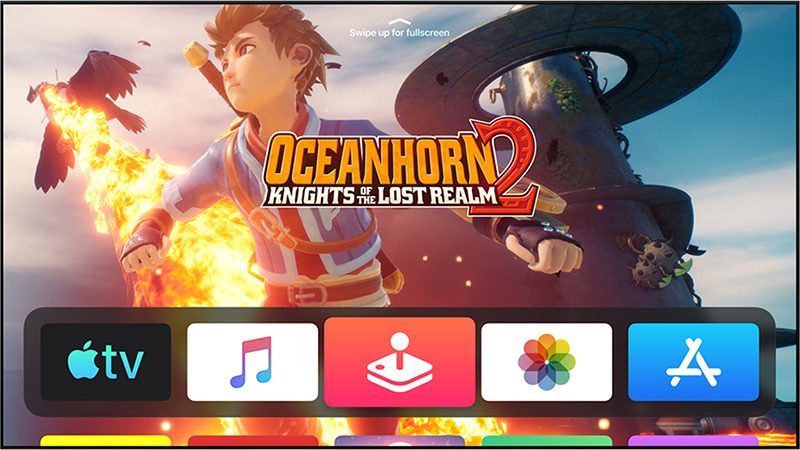
tvOS 13 brings Apple Arcade, Apple's new gaming service that's already available for the iPhone. Apple Arcade will offer unlimited access to more than 60 new and exclusive games, for one $4.99 per month subscription fee.


For Apple Arcade, Apple has implemented support for the Xbox Wireless Bluetooth Controller and the PlayStation DualShock 4 Controller, both of which can be connected to an Apple TV over Bluetooth.


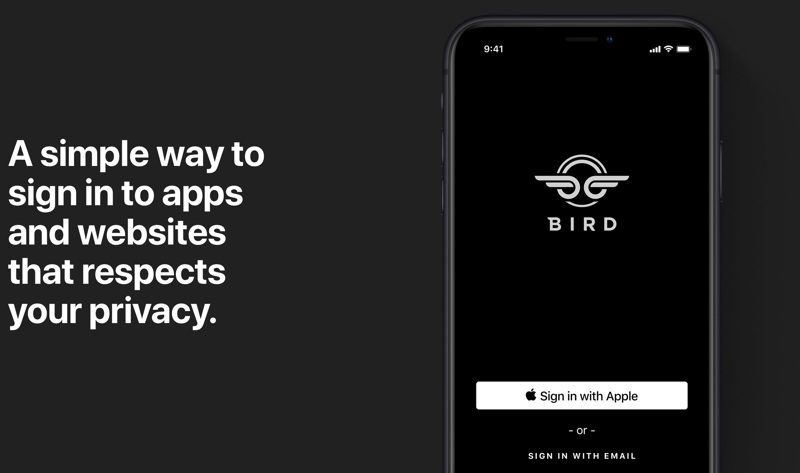
Sign in with Apple, a feature also available on the iPhone, iPad, and coming to Macs, is included in tvOS 13. With tvOS 13, apps that support Sign in with Apple will let you sign in with your Apple ID rather than requiring you to create a user name and password.


Apple can even obscure your real email address and provide a fake one, which keeps your data and information safer than ever.

There are new under the sea themed screensavers created in partnership with the BBC Natural History Unit, which also created "Blue Planet."


With a new Picture-in-Picture feature, you can continue to watch TV shows or movies while using a different app, adjusting settings, or otherwise navigating through the tvOS 13 operating system.

For more on what's new in the tvOS 13 update, make sure to check out our tvOS 13 roundup.

Related Roundups: Apple TV, tvOS 12, tvOS 13
Buyer's Guide: Apple TV (Don't Buy)

This article, "Apple Releases tvOS 13 With Multi User Support, Control Center, Ocean Screensavers and More" first appeared on MacRumors.com

Discuss this article in our forums


from MacRumors: Mac News and Rumors - All Stories https://ift.tt/2mOh7Kb

How to improve iPhone & iPad battery life

https://ift.tt/eA8V8J

Does your iPhone (or iPad) keep running out of battery? We show you 33 simple power-saving tips to get better battery life from your iOS devices

from Latest iPhone Articles from Macworld UK https://ift.tt/2L9LceT

Xiaomi Showcases Mi Mix Alpha with a Stunning Wraparound Display and 108 MP Camera


via News – MySmartPrice https://ift.tt/2lnlziN

How to save data on iPhone or iPad

https://ift.tt/eA8V8J

Does your iPhone keep running out of cellular/mobile data before your allowance is reset each month? There are a number of reasons why your iPhone might be using too much data and lots of ways to reduce your data usage. Follow our tips to save data on your iPhone and never run out of data again

from Latest iPhone Articles from Macworld UK https://ift.tt/2lmSJio

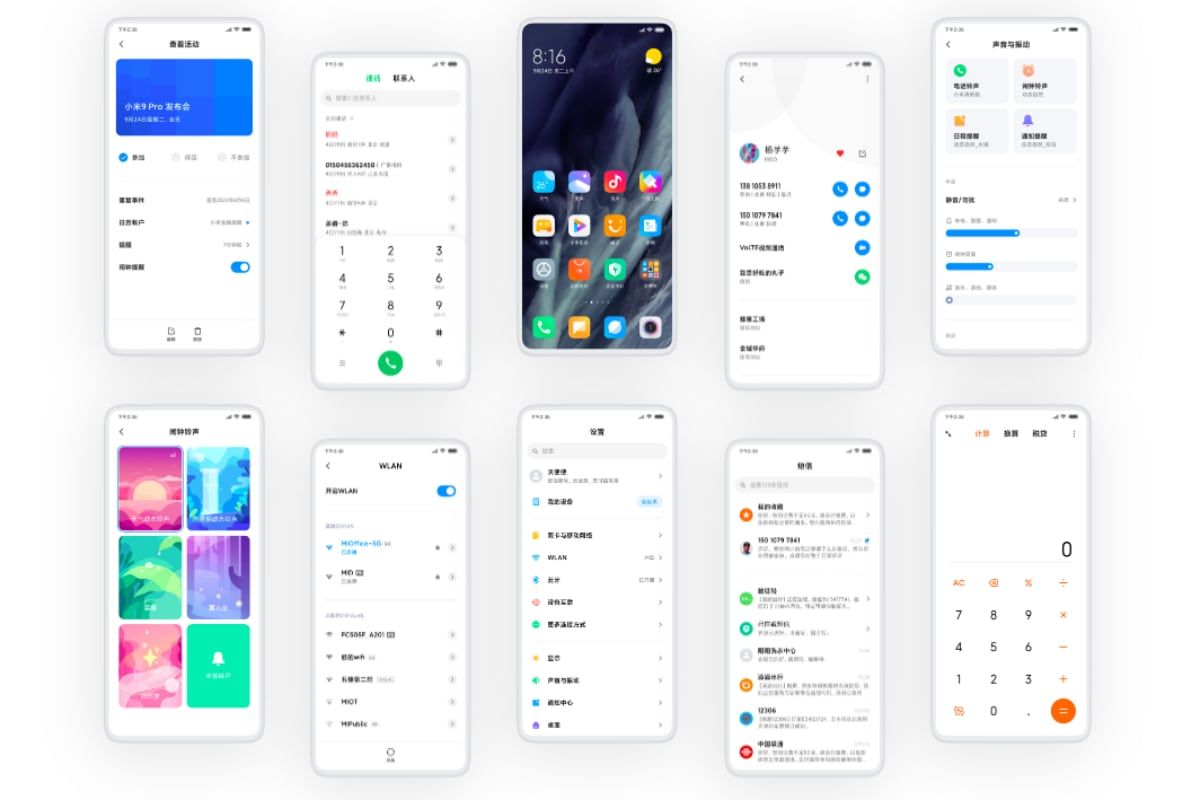
MIUI 11 Announced with New Features, Here’s the List of Mi and Redmi Devices Eligible for the Update


via News – MySmartPrice https://ift.tt/2kPbzhX