Tuesday, November 12, 2019

Bug in Facebook App Accesses the Camera in the Background

https://ift.tt/32Jnz4u

The Facebook for iOS app appears to be accessing the iPhone or iPad's camera in the background when the app is in use, according to multiple reports on Twitter.

The sliver of brown in this demo photo is the Facebook app accessing the camera behind the timeline.

When scrolling through the Facebook timeline, several users saw the camera activated in the background, as demonstrated in the tweets below.


One Facebook user found it through an interface bug that shows a small sliver of the display when looking at a photo, while another found it when rotating a device.

Both The Next Web and CNET were able to reproduce the issue and confirmed that the camera is activated in the background when using Facebook on iOS. The issue appears to impact iPhones running iOS 13, including the newest release version of ‌iOS 13‌, iOS 13.2.2. Devices running iOS 12 do not appear to be impacted.

Facebook vice president of integrity Guy Rosen this morning said that it "sounds like a bug" and that Facebook is looking into it, but Facebook has not officially commented on the issue.


Security researcher Will Strafach told TechCrunch that it appears to be a "harmless but creepy looking bug."

For the Facebook app to access the camera in the background, camera and microphone access must be enabled in the Settings app. Those concerned about the bug can disable Facebook's access to these features on the iPhone and the ‌iPad‌, or delete the Facebook app.


This article, "Bug in Facebook App Accesses the Camera in the Background" first appeared on MacRumors.com

Discuss this article in our forums


from MacRumors: Mac News and Rumors - All Stories https://ift.tt/2KeTseY

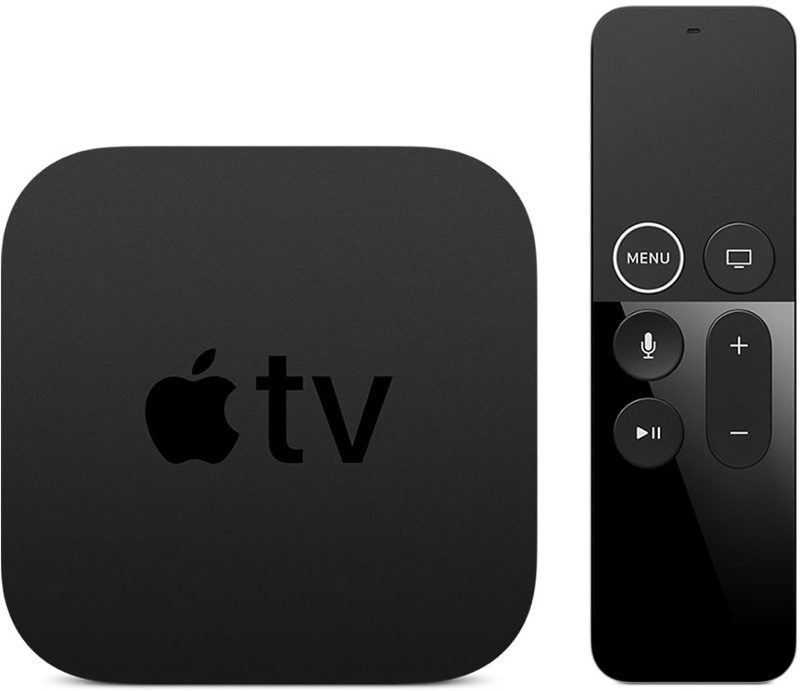
Apple Seeds Second Beta of tvOS 13.3 Update to Developers

https://ift.tt/2yXhhkr

Apple today seeded the second beta of an upcoming tvOS 13.3 update to developers, one week after seeding the first beta and two weeks after releasing the tvOS 13.2 update.

Designed for the fourth and fifth-generation Apple TV models, the new tvOS 13.3 developer beta can be downloaded onto the ‌‌Apple TV‌‌ via a profile that's installed using Xcode.


tvOS updates (aside from major releases) have historically been minor in scale, focusing on under-the-hood bug fixes and improvements rather than major outward-facing changes. Apple provides little to no information on what's included in tvOS beta updates, so we may not discover any major changes after installing the software.

The update does, however, include a useful new setting that's designed to let you change the main banner interface in the TV+ app from What to Watch to Up Next, which shows content from shows that you're already watching instead of show suggestions.

The option can be accessed by going to the Settings app, choosing Apps, and selecting the TV app. From there, select Home Screen and choose "Up Next" in the "Top Shelf" section.

While we don't often know full details about what's new in tvOS during the beta testing process, we let MacRumors readers know when new updates are available so those who are developers can download it upon release.

Related Roundups: Apple TV, tvOS 13
Buyer's Guide: Apple TV (Don't Buy)

This article, "Apple Seeds Second Beta of tvOS 13.3 Update to Developers" first appeared on MacRumors.com

Discuss this article in our forums


from MacRumors: Mac News and Rumors - All Stories https://ift.tt/2X6k6vA

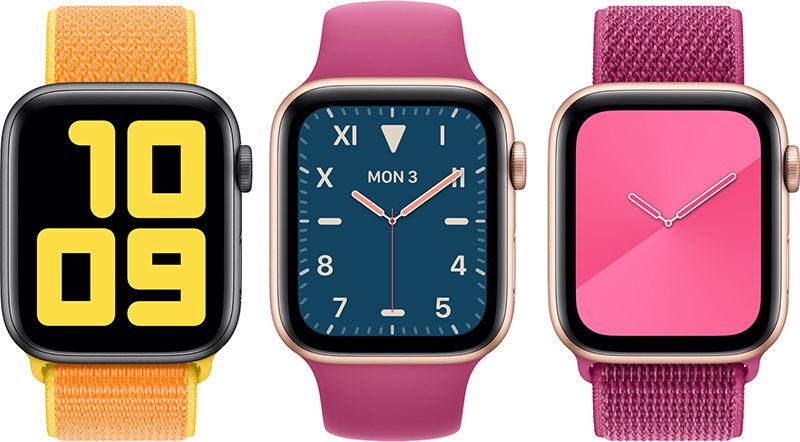
Apple Seeds Second Beta of watchOS 6.1.1 to Developers

https://ift.tt/2mhXvya

Apple today seeded the second beta of an upcoming watchOS 6.1.1 update to developers for testing purposes, one week after seeding the first beta and two weeks after releasing the watchOS 6.1 update.

Once the proper configuration profile has been installed from the Apple Developer Center, the new watchOS beta can be downloaded through the dedicated ‌‌Apple Watch‌‌ app on the iPhone by going to General > Software Update.


To install the update, the ‌‌‌Apple Watch‌‌‌ needs to have at least 50 percent battery, it must be placed on the charger, and it has to be in range of the iPhone.

watchOS 6.1.1 appears to be a minor update focusing on performance improvements and bug fixes that weren't able to be addressed in watchOS 6.1.

No new features were found in the first beta of watchOS 6.1.1, but we'll update this article should new features be found in the second beta.

Related Roundups: Apple Watch, watchOS 6
Buyer's Guide: Apple Watch (Buy Now)

This article, "Apple Seeds Second Beta of watchOS 6.1.1 to Developers" first appeared on MacRumors.com

Discuss this article in our forums


from MacRumors: Mac News and Rumors - All Stories https://ift.tt/2Kaj38P

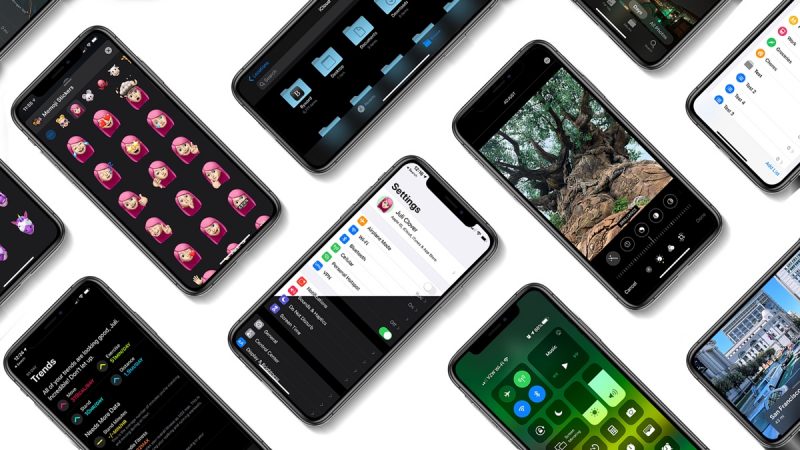
Apple Seeds Second Betas of iOS 13.3 and iPadOS 13.3 to Developers

https://ift.tt/2Oao8AQ

Apple today seeded the second betas of upcoming iOS and iPadOS 13.3 updates to developers, one week after seeding the first beta and two weeks after the release of iOS 13.2 with new emoji, Siri privacy controls, Deep Fusion, and more.

iOS and ‌‌‌iPadOS‌‌‌ 13.3 can be downloaded through the Apple Developer Center or over the air after the proper developer profile has been installed.


iOS 13.3 introduces Communication Limits for Screen Time, a feature that Apple promised would be coming in an iOS 13 update. Communication Limits allow parents to control who their children are able to contact both during downtime and during Screen Time.

Communication Limits include FaceTime, Phone, and Messages, along with iCloud contacts. Calls to emergency numbers are always allowed and will turn off communication limits for 24 hours when placed.

The iOS 13.3 update also appears to address a multitasking issue where iOS 13.2 users were seeing poor RAM management that caused apps like YouTube and Safari to reload more frequently than normal.

After installing iOS 13.3, affected users are now seeing fewer refreshes when accessing these apps, doing another task, and then opening them again.

In the Keyboards section of the Settings app (under General), there's a new toggle that prevents Animoji and Memoji stickers from being displayed as an option on the Emoji Keyboard.

Apple has also tweaked the Apple Watch app icon, changing the color of the Digital Crown from black to gray.

Related Roundups: iOS 13, iPadOS

This article, "Apple Seeds Second Betas of iOS 13.3 and iPadOS 13.3 to Developers" first appeared on MacRumors.com

Discuss this article in our forums


from MacRumors: Mac News and Rumors - All Stories https://ift.tt/36XQ8yz

Apple Shares Featurette on Making of 'Ghostwriter' Apple TV+ Show

https://ift.tt/nvEILJ

Apple this morning shared a new "First Look" featurette covering "Ghostwriter," one of the TV shows that launched on Apple TV+ when it became available in early November.

"Ghostwriter" on ‌Apple TV‌+ is a remake of the of the original "Ghostwriter" series that aired on PBS from 1992 to 1995. It follows the story of a group of kids who discover a ghost in a neighborhood bookstore, going on to solve fiction-related mysteries to learn more about it.

When a ghost haunts a neighborhood bookstore and starts releasing fictional characters into the real world, four kids must team up to solve an exciting mystery surrounding the ghost's unfinished business.
Andrew Orenstein, producer of "Ghostwriter," says that he hopes kids will watch each episode to see how the mystery plays out before going back to rewatch it to find all of the easter eggs.

"Ghostwriter" is one of the ‌Apple TV‌+ shows aimed at children along with "Helpsters," a show from the makers of "Sesame Street" that's aimed at teaching young kids the basics of coding.

Apple has other TV shows aimed at children in the works, but at the current time, "Ghostwriter" and "Helpsters" are the only two kids shows available. ‌Apple TV‌+ is available on multiple platforms for $4.99 per month.

Separately, on its Apple YouTube channel, Apple today shared a trailer for "What the Golf," one of the games that's available on Apple Arcade.


Apple has been sharing trailers for some of the more popular ‌Apple Arcade‌ games in recent weeks, presumably with the aim of luring in new subscribers. ‌Apple Arcade‌ offers access to over 90 gaming titles for $4.99 per month.


This article, "Apple Shares Featurette on Making of 'Ghostwriter' Apple TV+ Show" first appeared on MacRumors.com

Discuss this article in our forums


from MacRumors: Mac News and Rumors - All Stories https://ift.tt/32B6s4Q

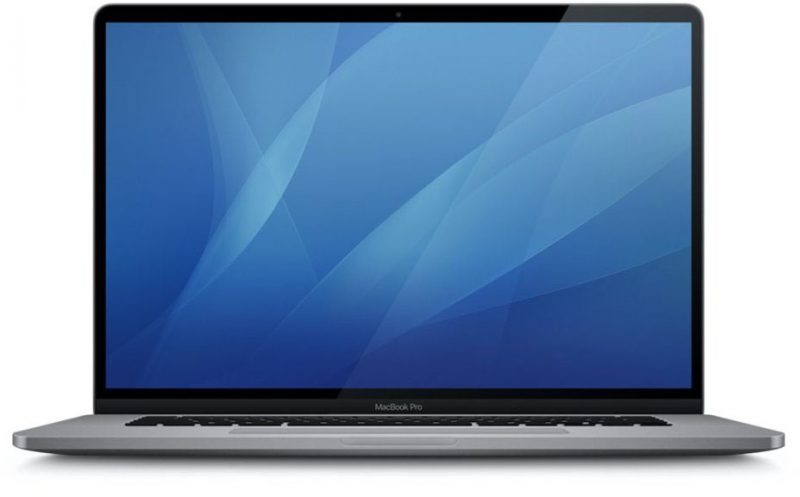
16-inch MacBook Pro Announcement Expected by Tomorrow

https://ift.tt/33ISwHd

Apple plans to announce its widely rumored 16-inch MacBook Pro this week, according to a tweet from Bloomberg's Mark Gurman.


In another tweet, Gurman suggested the announcement will be made by Wednesday. The news would likely be shared in the form of a press release on the Apple Newsroom and would also likely coincide with early hands-on impressions of the 16-inch MacBook Pro from select media outlets and YouTube channels.


9to5Mac recently reported that Apple appears to be holding private press briefings of some kind at its luxury loft mansion in New York City this week, likely to facilitate those 16-inch MacBook Pro first impressions. Multiple out-of-town tech reporters have tweeted that they are in or headed to New York City over the last few days.

Rumors suggest the 16-inch MacBook Pro will feature slimmer bezels around the display, a more reliable scissor switch keyboard, a standalone Touch ID sensor, and possibly a much-requested physical Esc key. Pricing is unknown, but would likely be higher than the $2,799 high-end 15-inch MacBook Pro.

For what it's worth, 15-inch MacBook Pro models with AMD Radeon Pro Vega graphics options became available to order on the Wednesday of this week a year ago, along with a (PRODUCT)RED version of the Apple Watch Sport Loop. Apple also launched its annual holiday gift guide on the same day.

After rampant rumors, supply chain clues, and leaked imagery from macOS Catalina, the 16-inch MacBook Pro might be 24 hours or less away.

Related Roundup: MacBook Pro
Buyer's Guide: MacBook Pro (Caution)

This article, "16-inch MacBook Pro Announcement Expected by Tomorrow" first appeared on MacRumors.com

Discuss this article in our forums


from MacRumors: Mac News and Rumors - All Stories https://ift.tt/33L0XC0

Chromebooks will soon list “End of Life” in the settings menu


via Chrome Unboxed – The Latest Chrome OS News https://ift.tt/2pWI2FS