Friday, February 21, 2020

YouTube Music Readies Free Upload Feature, Google Play Music Migration Service Coming

https://ift.tt/2PaRi2i

YouTube Music appears to be readying a feature that proved a big draw for Google Play Music fans – the ability to upload your own music collection to the cloud. Google has published a new support document explaining how music uploads will work in YouTube Music.

If you're on a computer you'll be able to add your personal music library either by dragging files to any surface on music.youtube.com, or by clicking on your profile picture and selecting "Upload music." The feature supports FLAC, M4A, MP3, OGG and WMA files. The support document notes that music uploads cannot be completed in the YouTube Music mobile app, uploads will not influence the user's music recommendations in YouTube Music, and uploads stay private.

To view or manage uploaded music, you can tap (in the app) or click "Uploads" in the Albums section of the library. The big bonus here is that uploaded songs can be played in the background, ad-free and offline - even if you're not a YouTube Music Premium subscriber. It's basically the same feature Google Play Music offered, so that's good news for anyone who wants to switch to Google's new music streaming service.

Google is asking users looking to transfer their entire Google Play Music library to "stay tuned" for a seamless way to do so. "Nothing is changing with Google Play Music right now," says the document. "When we do replace Google Play Music with YouTube Music, we'll be sure to give you plenty of advance notice."


This article, "YouTube Music Readies Free Upload Feature, Google Play Music Migration Service Coming" first appeared on MacRumors.com

Discuss this article in our forums


from MacRumors: Mac News and Rumors - All Stories https://ift.tt/38MFIlD

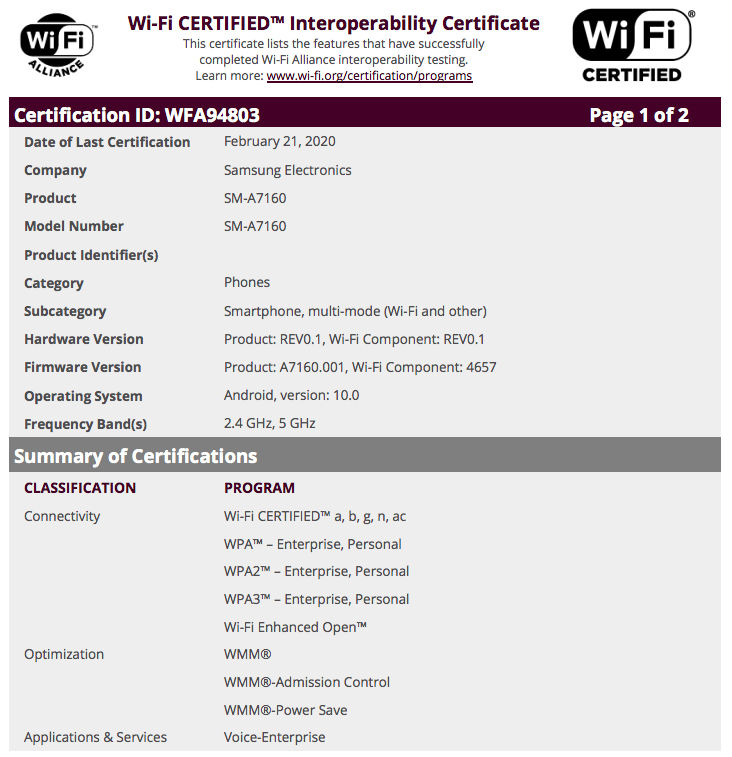
Samsung Galaxy A71 5G Running Android 10 Spotted on Wi-Fi Alliance Certification


via News – MySmartPrice https://ift.tt/2VbH1Xq

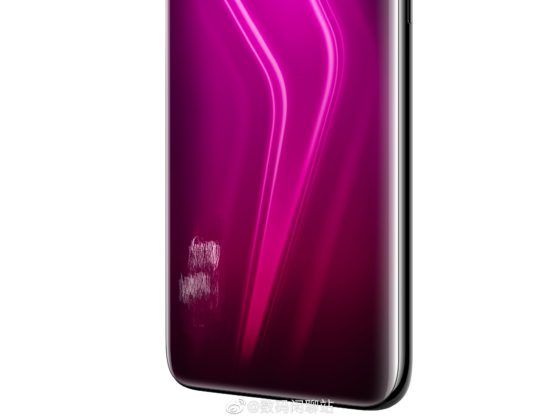
Alleged Realme X50 Pro 5G Renders Reveal Three Color Variants


via News – MySmartPrice https://ift.tt/2HKhtbW

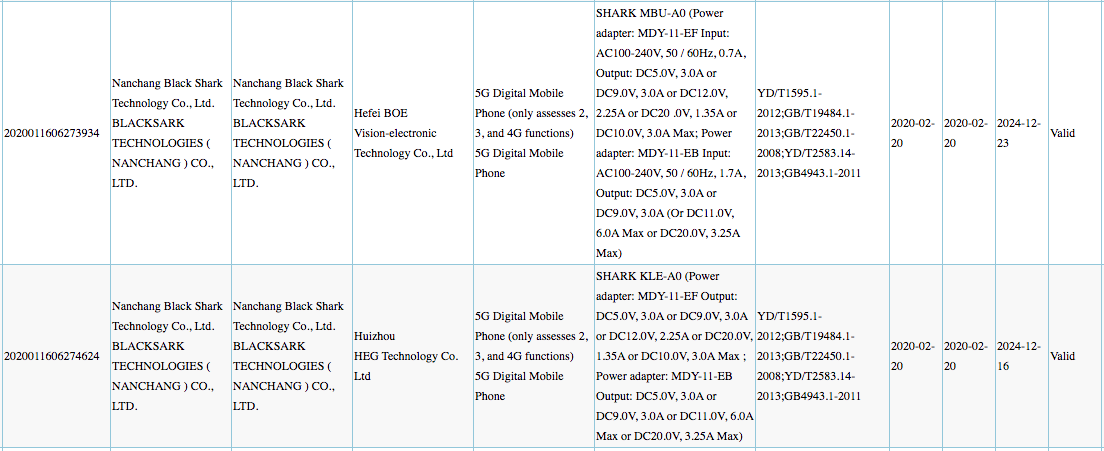
Black Shark 3 5G With 66W Fast Charging Technology Appeared on 3C Certification


via News – MySmartPrice https://ift.tt/37Lr115

Thursday, February 20, 2020

Samsung Galaxy A71 vs Realme X2 Pro vs Redmi K20 Pro: Price in India, Specifications, Features Compared


via News – MySmartPrice https://ift.tt/2PaAlVA

Apple Seeds Second Public Betas of iOS and iPadOS 13.4 With New Mail Toolbar, iCloud Folder Sharing and More

https://ift.tt/2OI8KLr

Apple today seeded the second public betas of upcoming iOS and iPadOS 13.4 updates to its public beta testing group, two weeks after seeding the first public betas and a day after releasing the second updates for developers.

Beta testers who have signed up for Apple's beta testing program will be able to download the iOS/‌iPadOS‌ 13.4 beta update over-the-air after installing the proper certificate on an iOS device.


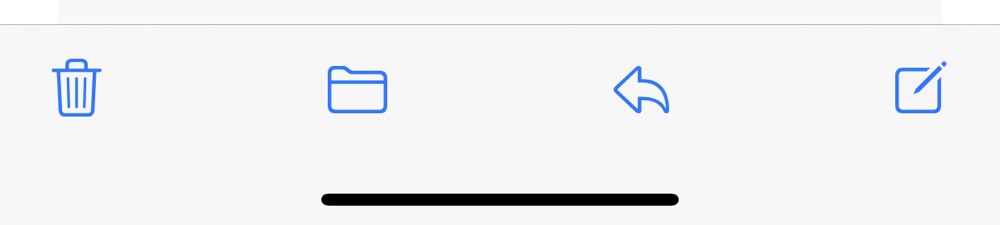
iOS and ‌iPadOS‌ 13.4 bring useful and notable new features and changes. There's an updated Mail toolbar that separates the reply button from the delete button to make it harder to accidentally delete emails, there's a new "Shazam It" shortcut in the Shortcuts app for identifying songs, and some tweaks have been made to CarPlay controls for calls and third-party navigation apps.


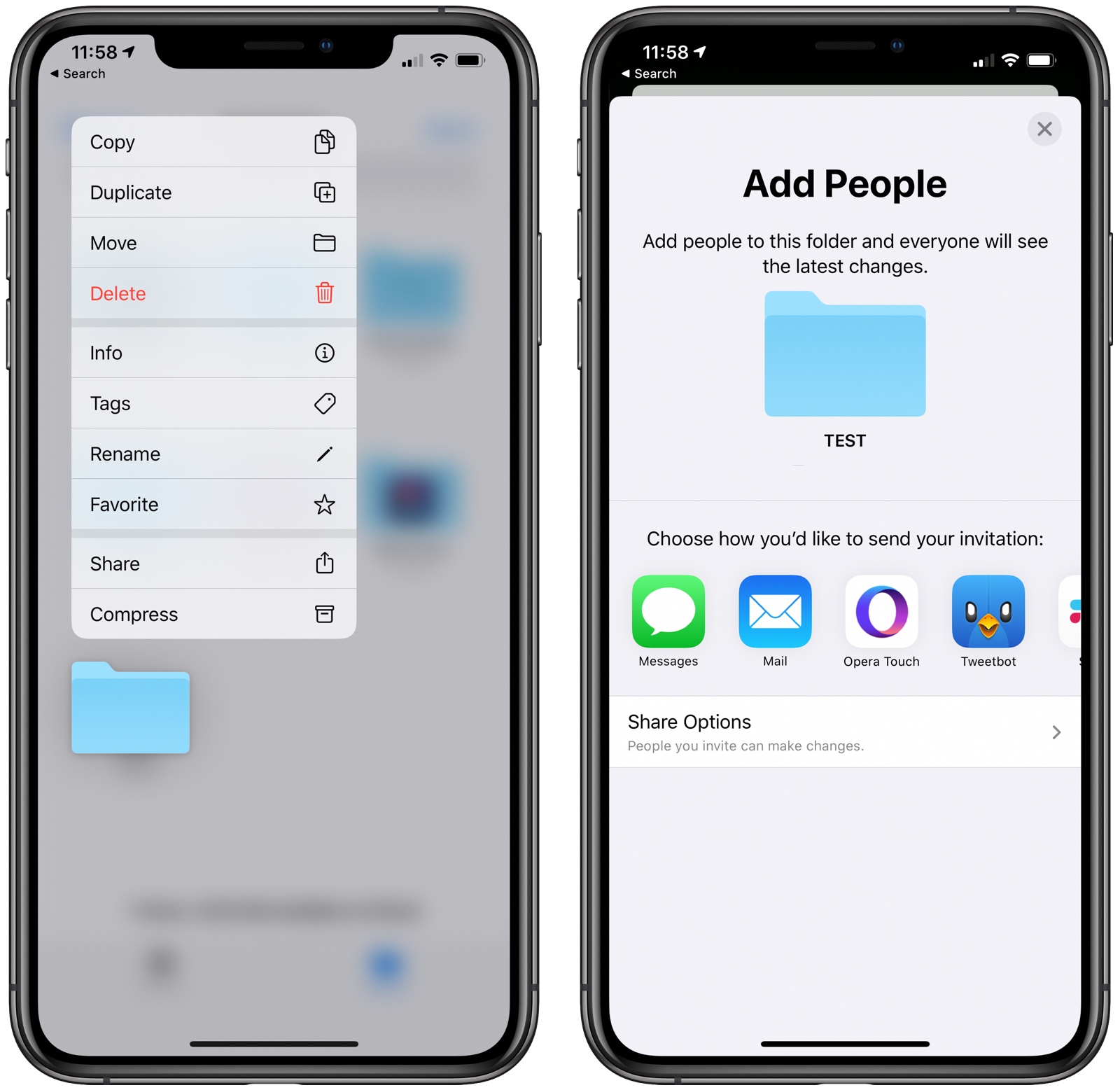
The update includes support for iCloud Folder Sharing, a long-awaited iOS 13 feature. ‌iCloud‌ Folder Sharing allows iCloud Drive files to be shared with other people, making the folders accessible to multiple users.

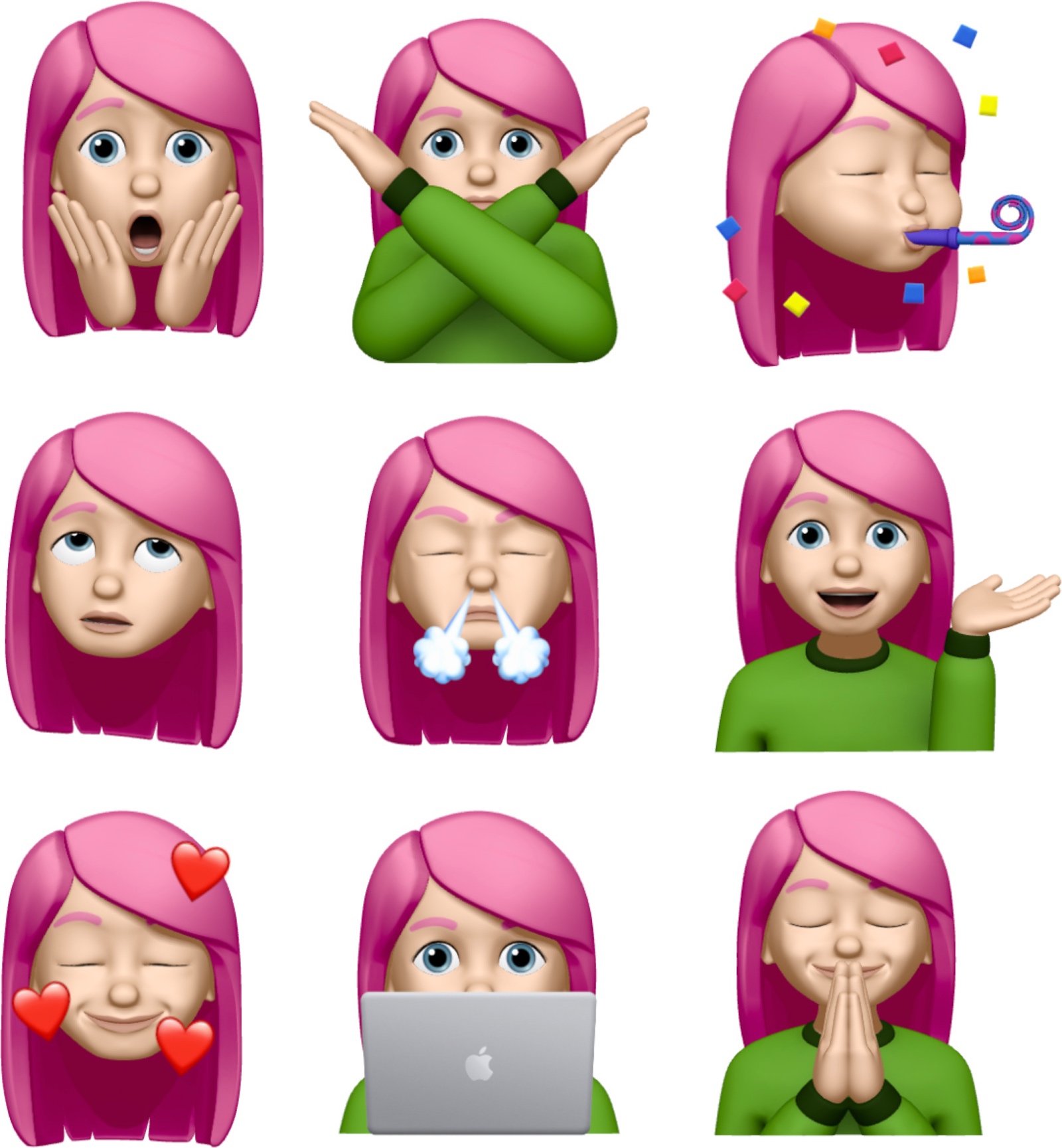
There are a total of nine new Memoji/Animoji stickers that can be used wherever emoji can be used, there are new Settings options for the TV app, and Apple has made minor changes to Location Services to appease app developers who want to encourage customers to turn on the "Always" option for Location Services for apps that need it.


Apple has added support for universal app purchases, which means developers can sell a single app across iOS, tvOS, and macOS. For apps that enable this feature, customers will be able to make one purchase and then download an app across all applicable platforms.

There are hints of a new "CarKey" API, which is designed to allow the iPhone or the Apple Watch to be used in lieu of a traditional car key in vehicles that support NFC, complete with options for sharing digital car keys with friends and family.

For the iPad, Apple has introduced new keyboard shortcuts for the Photos app for navigating between tabs, search, creating albums, deleting photos, and entering Edit mode, plus there's a new feature for hardware key remapping in ‌iPadOS‌.

For a rundown of everything that's new in iOS and ‌iPadOS‌ 13.4, make sure to check out our complete feature list.

Apple has also released a new public beta of tvOS 13.4, which is identical to the tvOS 13.4 beta provided to developers yesterday.

Related Roundups: iOS 13, iPadOS

This article, "Apple Seeds Second Public Betas of iOS and iPadOS 13.4 With New Mail Toolbar, iCloud Folder Sharing and More" first appeared on MacRumors.com

Discuss this article in our forums


from MacRumors: Mac News and Rumors - All Stories https://ift.tt/32chJtK

Google Photos testing subscription service that picks your best photos and prints them


via Chrome Unboxed – The Latest Chrome OS News https://ift.tt/2SWZG6G